Solo Narration
A single voice, narrating end-to-end. Best for explainers, history, deep-dives, and bedtime listening.
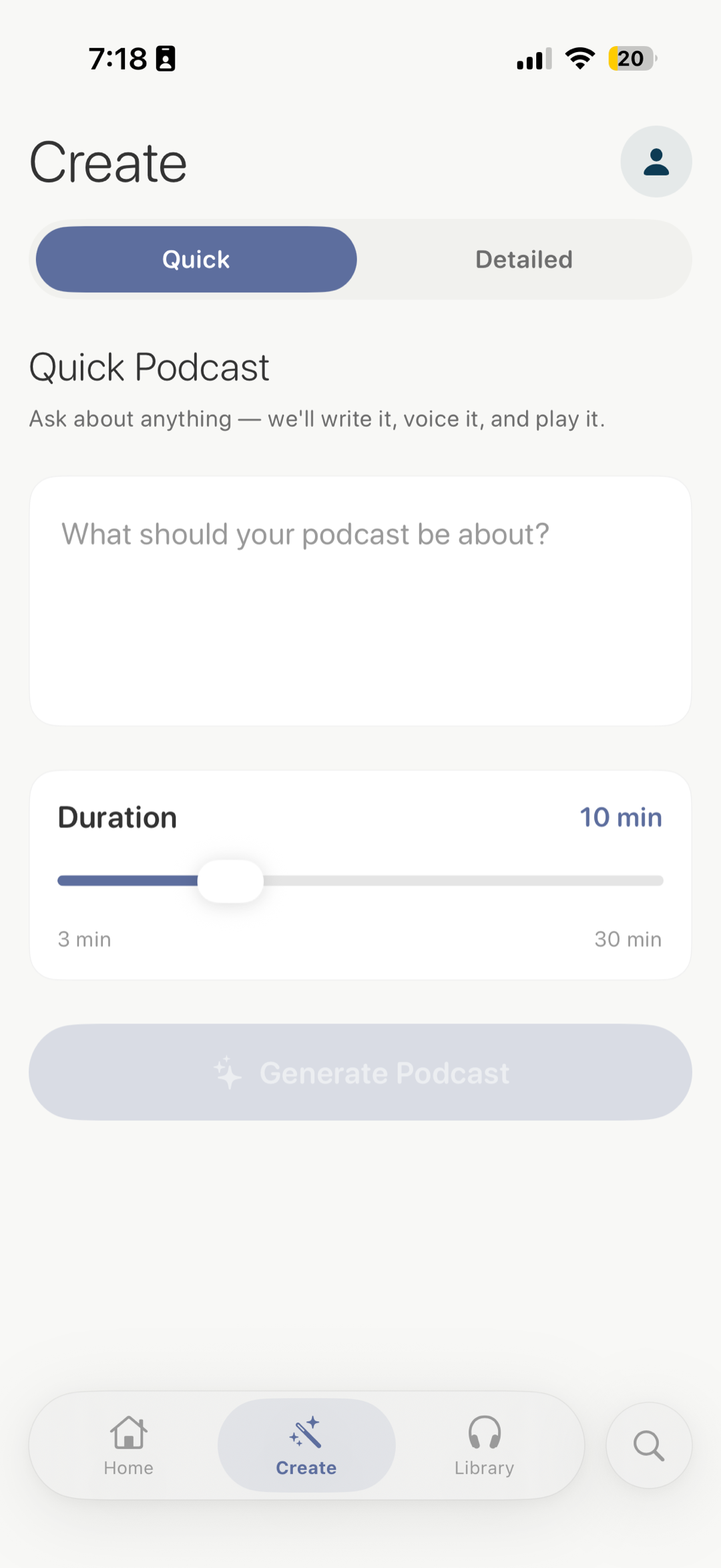
1 voiceType any topic. We write the script, narrate it across thirteen voices, and hand you a real audio episode in under three minutes.
"Why does jet lag feel worse going east?" — anything from a curious one-liner to a paragraph of context.
An AI script with real sources, paced like a podcast — intro, segments, transitions, sign-off.
Studio-quality voices read the script. Choose solo, debate, or a panel of three.
On your phone, your Apple TV, or your Mac. Background playback, lock-screen controls, AirPlay, CarPlay. Offline downloads on Pro.
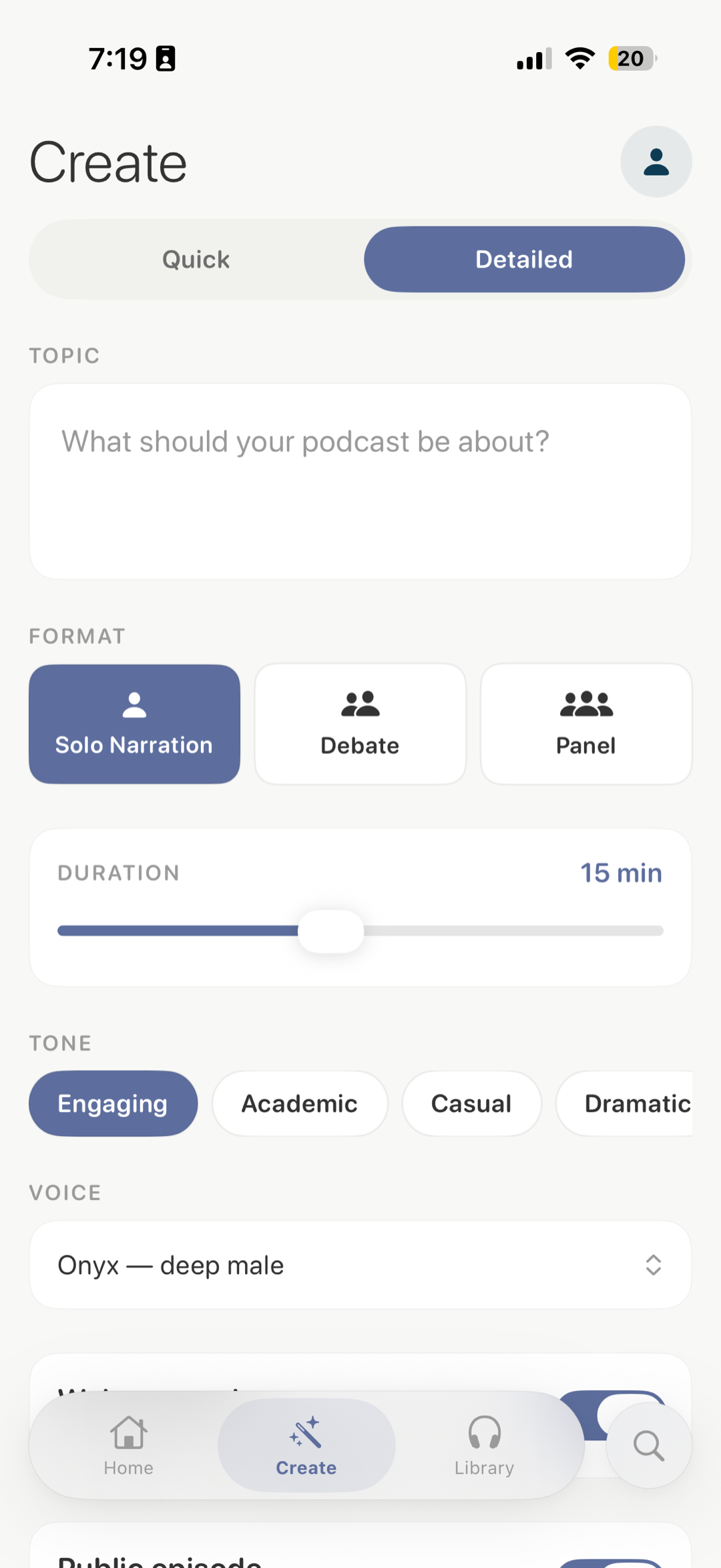
Every voice has a temperament. Pick one for solo narration, or pair them up for a debate that actually feels like two people talking.
A single voice, narrating end-to-end. Best for explainers, history, deep-dives, and bedtime listening.
1 voiceTwo voices, two sides. A back-and-forth that pressure-tests an argument instead of just stating it.
2 voicesThree voices, three perspectives. A roundtable where positions actually disagree — closest to a real podcast.
3 voicesEvery episode follows a real podcast structure — not a flat read of an article. Sources are real. Errors are possible. Treat it like a friend explaining something from memory.
Episodes are created on your iPhone. Then play them on the big screen with the Apple TV app, or while you work with the Mac app. Sign in once — link a device with a quick code — and your library follows you.
The studio. Type a topic, pick a format and voices, and generate. Save, share, download, and play — everything starts here.
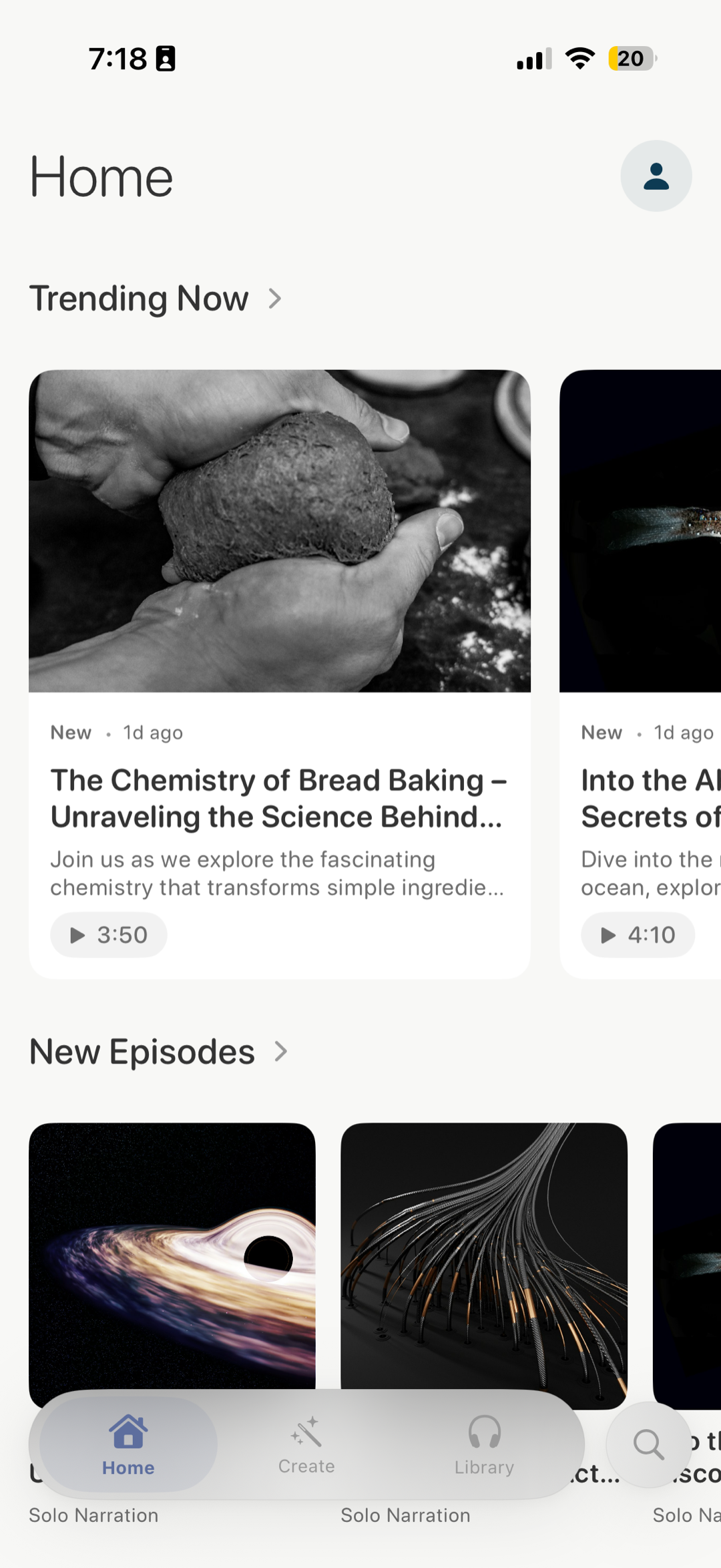
Create + listenLean back and listen. Browse trending and your own library on the big screen, with a full-screen player and Siri Remote controls.
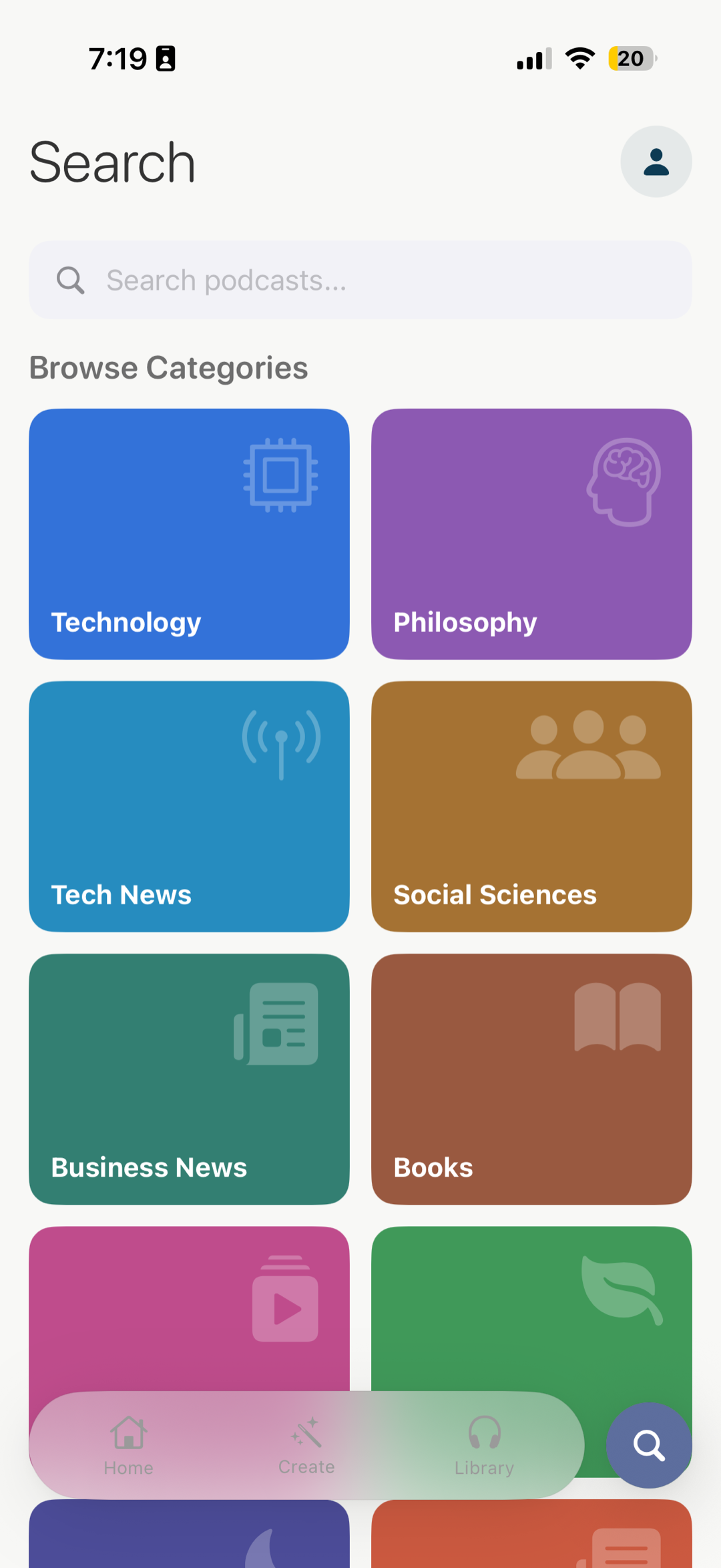
ListenA tidy desktop player with a sidebar, search, and a now-playing bar that stays put while you keep working — media keys included.
ListenTo listen on Apple TV or Mac, open the app and enter the short code it shows in Learn Anything → Profile → Connect a TV or Mac on your iPhone. New episodes are always made on your phone.
Subscriptions auto-renew through the App Store. Cancel anytime in iOS Settings.
Learn Anything is an iOS app that creates real, listenable podcasts from a topic you type in. The AI researches, writes a script with citations, and narrates the episode using studio-quality voices. You get a finished audio file you can play, save, share, or download — on your iPhone, and on the Apple TV and Mac apps too.
Yes. There are companion apps for Apple TV and Mac built for listening — you create episodes on your iPhone, then play them on the big screen or your desktop. To link a device, open the app and enter the short code it shows under Profile → Connect a TV or Mac in the iPhone app. The TV and Mac apps don't create new episodes; that always happens on your phone.
Most episodes finish in one to three minutes. You can leave the app while it renders — we'll send a push notification when it's ready.
Anything you're curious about. History, science, current events, deep dives into a niche hobby, explainers for things you've always wondered. The model handles broad and specific topics equally well. We do filter content that violates our usage policy (illegal activity, harassment, etc.).
Scripts are AI-generated and grounded in real sources, but they can still contain errors. Treat episodes the way you'd treat a friend explaining a topic from memory — interesting, well-organized, sometimes wrong on the details. Don't rely on Learn Anything as your sole source for medical, legal, financial, or safety-critical decisions.
Yes. Set an episode to private and it stays in your library — never on the trending feed, never searchable. You can flip an episode between public and private at any time.
On iOS: Settings > Apple ID > Subscriptions, find Learn Anything, tap Cancel. Your access continues until the end of the current billing period.
Learn Anything is part of the Delta Metrics suite. We build small, focused apps that combine real human workflows with machine intelligence.